
The Action items page collects everything you've saved — from Insights here in GTM Analysis and from Discoverability (your GEO Audit) — in one place, grouped by category: Strategy, Marketing, Sales, Product, Customer Success, Operations. Filter by source to see where each item came from.
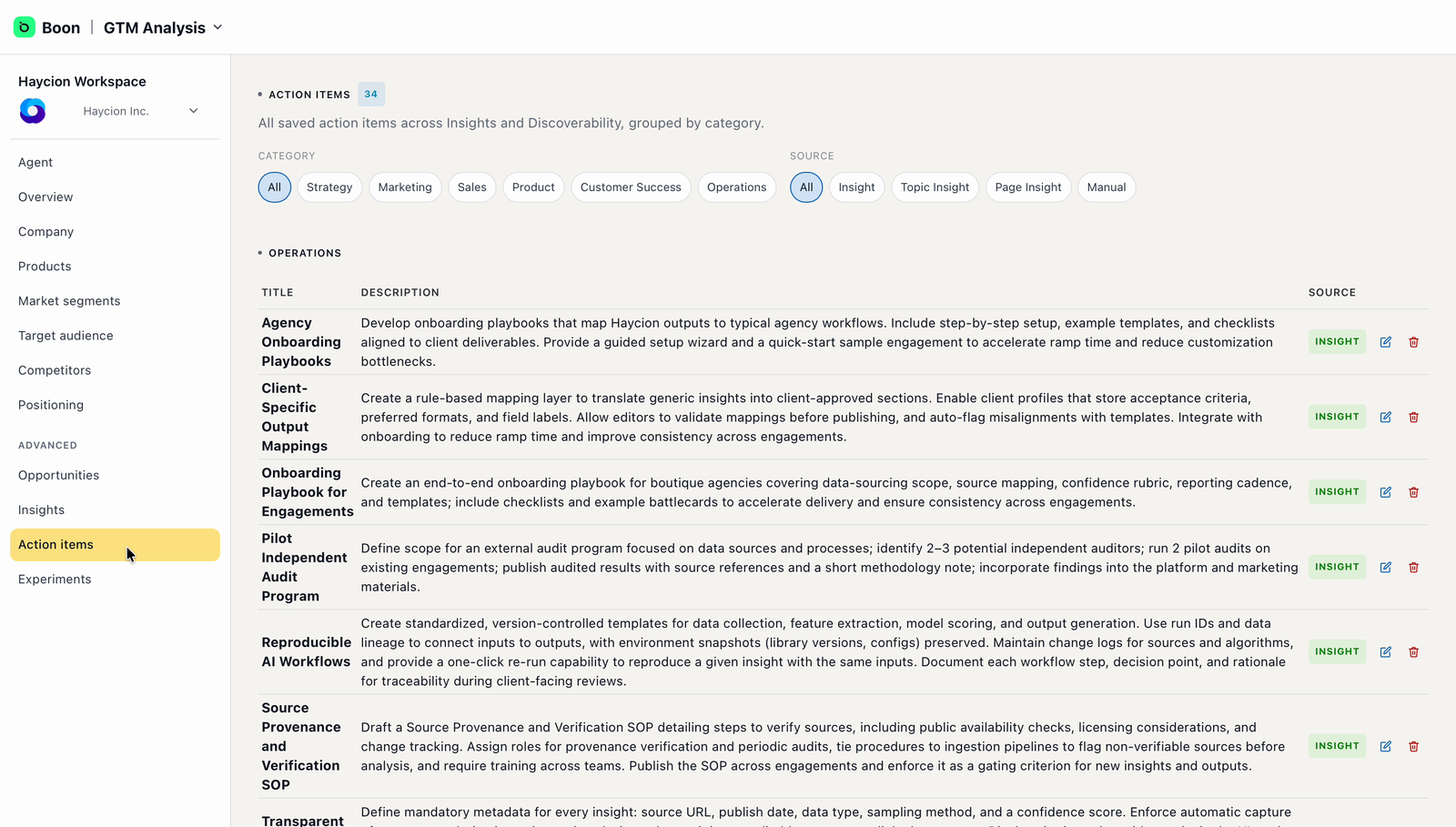
Action items — one list, grouped by category, with a source tag on each row.
This is the natural hand-off point: route each category to the right owner on your team, the same way you route GEO recommendations in the Get Started with GEO Audit guide.
Experiments, when you're ready
Experiments (also under Advanced) creates sandbox copies of your workspace, so you can test changes to positioning or messaging without touching the live version. It starts empty — there's nothing to review at onboarding. When you want to trial a hypothesis, create one from this page.
Keep an eye on your Agent page
The Agent page, at the top of the left menu, is your home base. It shows how ready your agent is to represent you, and — most usefully — a short Next Best Action list: Boon's suggestions for what's worth doing next, which update as you complete them.
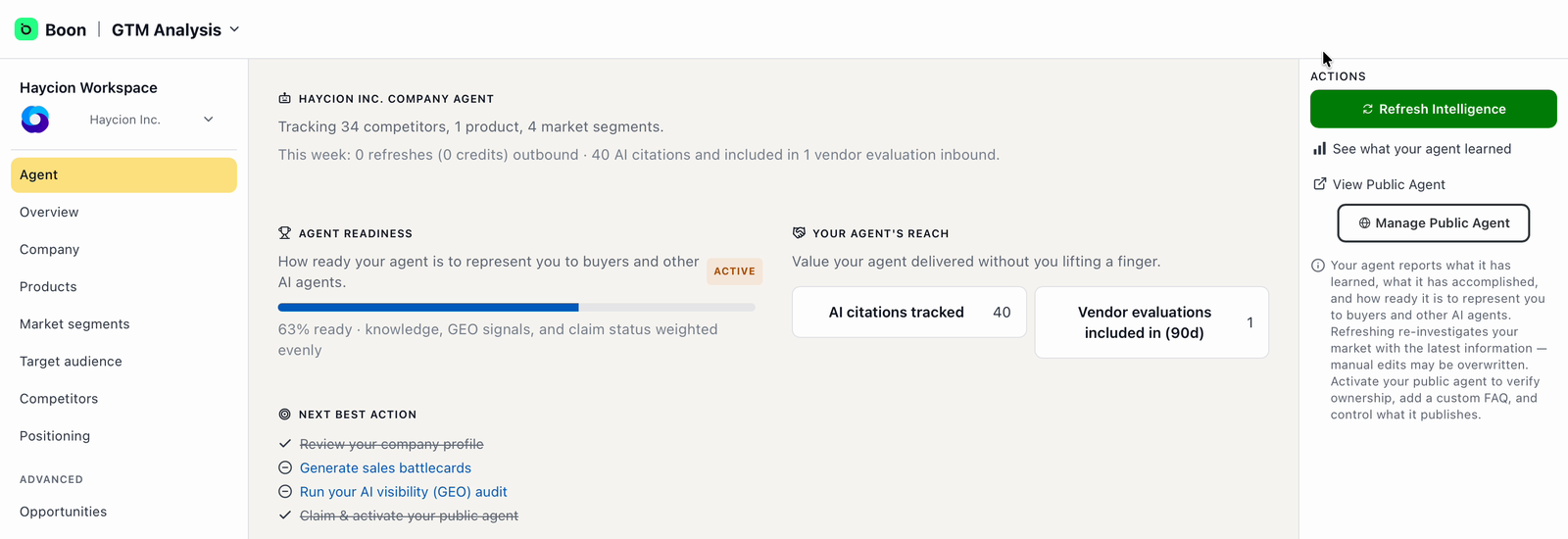
The Agent page — readiness, and Boon's suggested next actions.
If you're unsure, ask your agent
Your company agent knows everything in this workspace. Open the chat in the top-right corner and ask it anything — "What should I do first?", "Why is this competitor classified as indirect?" — whenever you're not sure what something means or what to do next.
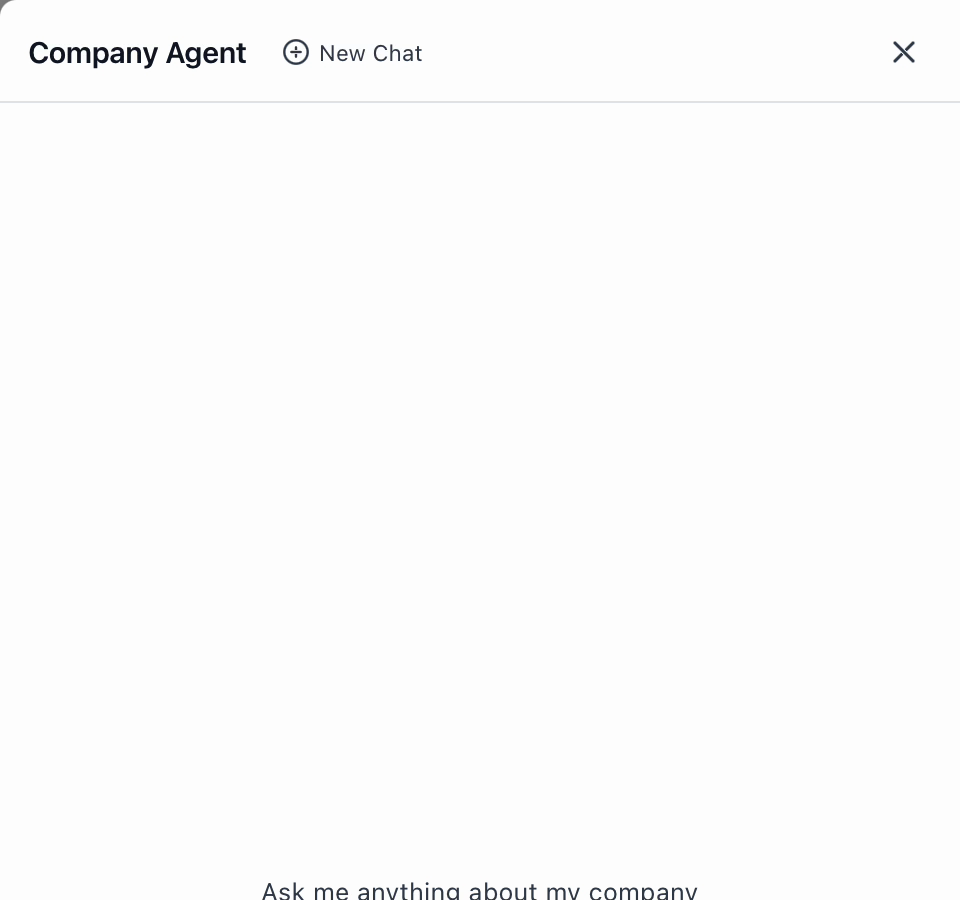
The company agent — a shortcut whenever you're unsure.
What happens next?
Your review keeps paying off from here: work the action items with their owners, revisit Positioning and Insights as your inputs improve, and when you're ready to look at how AI assistants and search engines see you from the outside, run through the Get Started with GEO Audit guide next.
What if my company changes?
When your website, products, or positioning change, Boon can refresh the company intelligence so the workspace stays current. Reach out to the Boon team when you need one.
What are credits?
Deeper research, refreshes, experiments, generated action items, and GEO rebuilds may consume credits. The Capacity section of your Agent page shows what your agent's work bought in the current period.