
Boon has already analyzed your company and generated an initial understanding of your business: your company profile, products, market segments, target audience, and competitors. Instead of starting from a blank page, you start from a working draft.
Before you rely on that draft, verify five areas — Company, Products, Market segments, Target audience, and Competitors. This guide shows you what to check in each one, what you can correct yourself, and what to flag to the Boon team. Any edits you make take effect immediately.
Before you start
Most customers receive a workspace that has already been built and populated. If you've received an invitation to your company's workspace, you're ready to begin.
Optional: if you ever need an additional workspace, you can create one yourself by entering a website URL — Boon builds it from there.
Start with Overview
The Overview page is a point-in-time summary of what Boon currently understands about your company: who you are, what you offer, who you sell to, and how you compare to competitors.
Skim it once before anything else. Its job in this review is to help you spot information that looks inaccurate or incomplete. When something looks off, the matching section in the left menu is where you'll correct it.
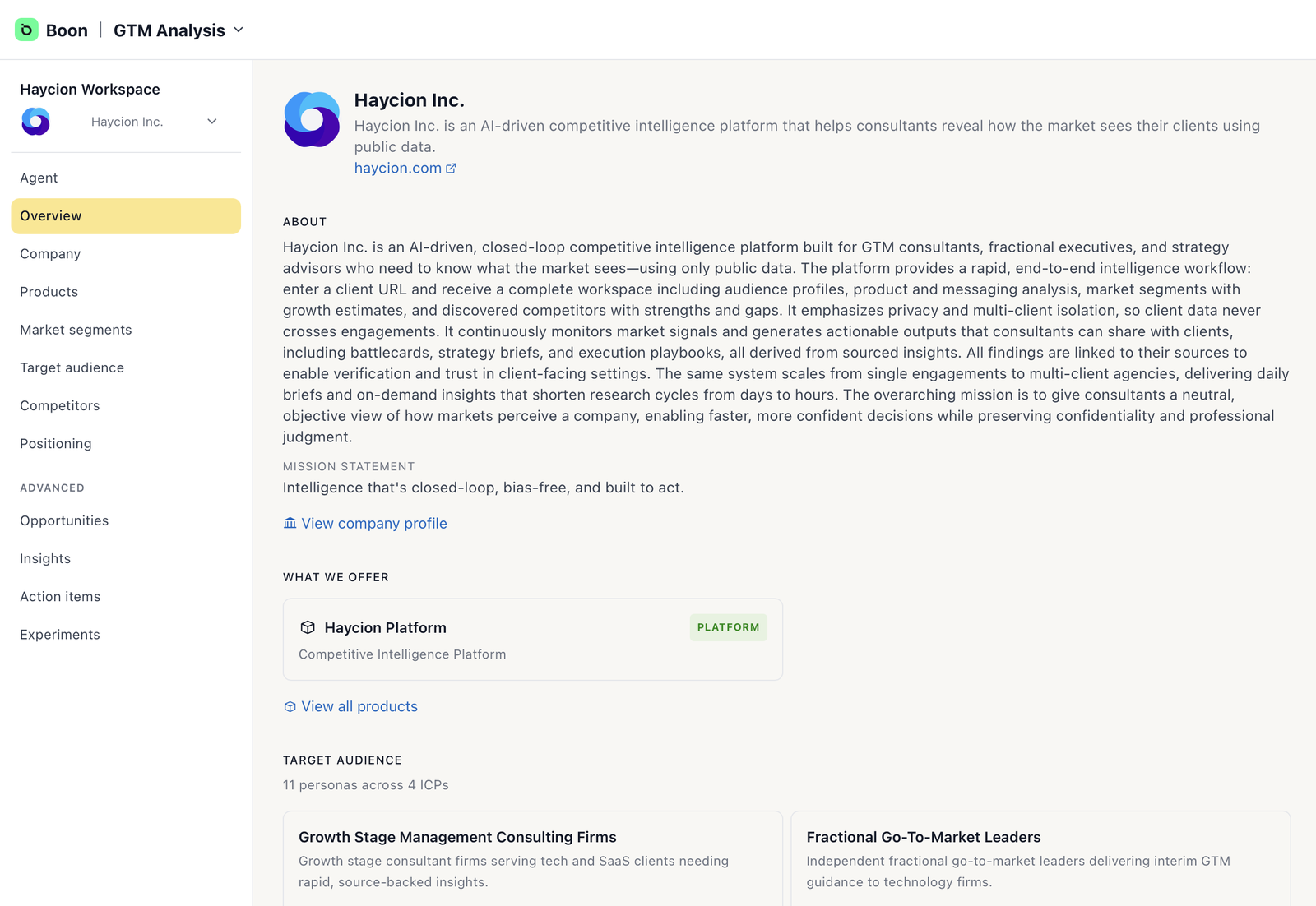
The Overview — Boon's current read on your company, at a glance.